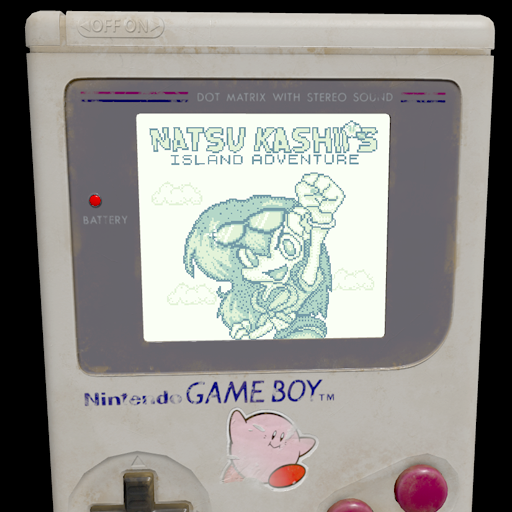
Recently the vTuber Natsu Kashii recently had her 1 year streaming anniversary. To celebrate she released some really cool merchandise. 1:1 scale magnets of a pretend "Natsu Kashii Island Adventure" game.
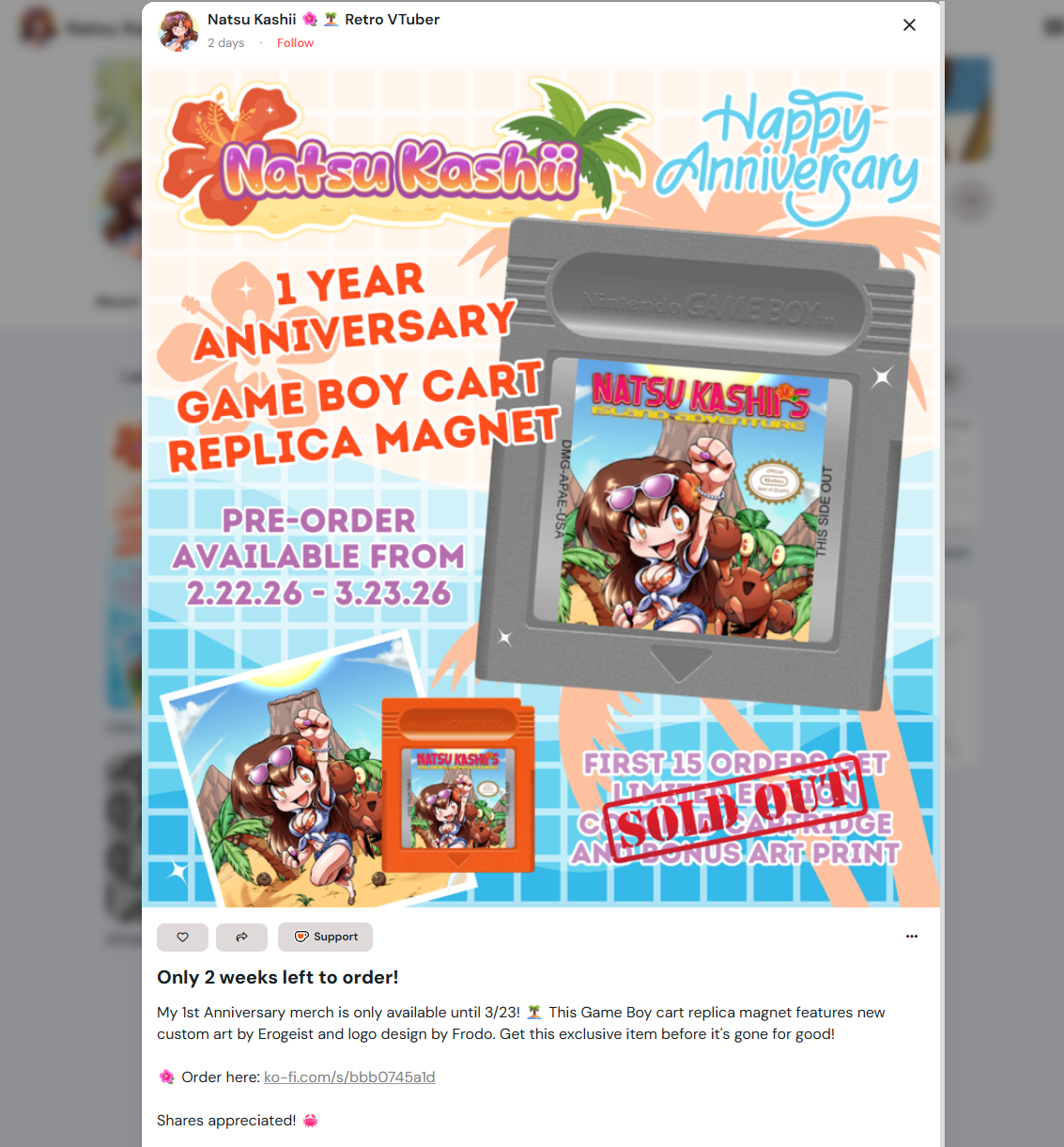
I immediately picked one up.
Meanwhile, the chat was scrolling by pretty excitedly, but I noticed one of the regulars said "some programmer should make a real rom.", to which I replied "Thinking about it!"
In fact I had been thinking about it for quite some time. In the past I really enjoyed learning about Sega Genesis programming, and I always wanted to take another stab at SNES programming. I had an idea for a game and some levels - nothing super fleshed out, but the bones where there.
But when this Game Boy magnet was announced, I knew I had to do it for the Game Boy. I've previously written about two ROM's I scratch wrote in C for the Game Boy Color, so I knew a thing or two about making ROMs.
But my plan was ambitious and I didn't think I'd have the time to do a scratch ROM build.
I decided to check out a new tool, GBStudio.
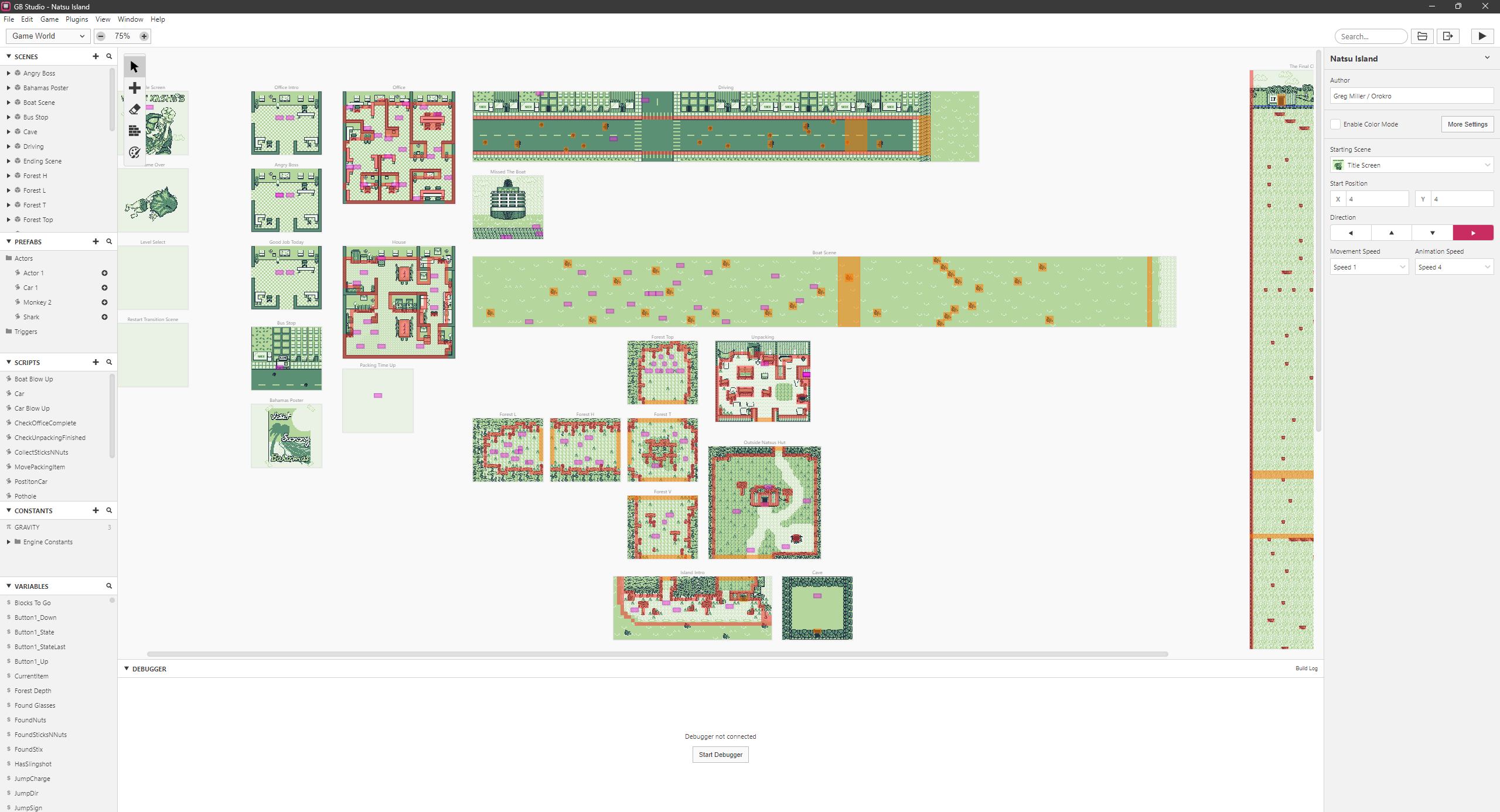
This is a really cool application that provides a full node-code editor solution for making legitimate Game Boy Roms. It provides a few different engine cores optimized for top-down 2d adventures, side scrolling shoot-em-ups, platformers, and more.
It has auto asset management built in for things like sprites, backgrounds, music and more.
It uses a really easy to grasp system of "Scenes" and "Actors" that can have visual scripts attached to them. The documentation is excellent.
I was still on the fence if I was going to work on this project, so I threw on a GBStudio tutorial playlist on YouTube and watched through it. It all clicked with me, so I downloaded GBStudio and made my first steps.
One thing lead to another, and a week flew by. Before long, I had a complete game just like I had envisioned.
While this is technically a "no code" editor, it still is basically coding. It provides UI panels for sequencing "events", which include the things you'd expect like loop events, if-then conditional events, and so fourth. It really is just programming, but instead of typing text you're picking event items from a UI.
As a coder of 26 years, it is pretty frustrating to use a UI instead of typing code, but I got the hang of it and pushed through.
It does provide a coding-like high level language, but I didn't find the need to tap into that. It also lets you "eject" the game, which takes everything you've built in the editor and exports a full C project you can manually compile and work on, using the same library I was already familiar with. But I didn't need to do that either.
Overall, it was really really fun to work in GBStudio. While I could have done a scratch build, this app let me make the ROM much faster. It is limited however, and some of the things I tried didn't work out. I'd have to dive into the guts of the engine if I wanted to do some truely custom things, but the amount of functionality this offers out of the box is truely impressive.
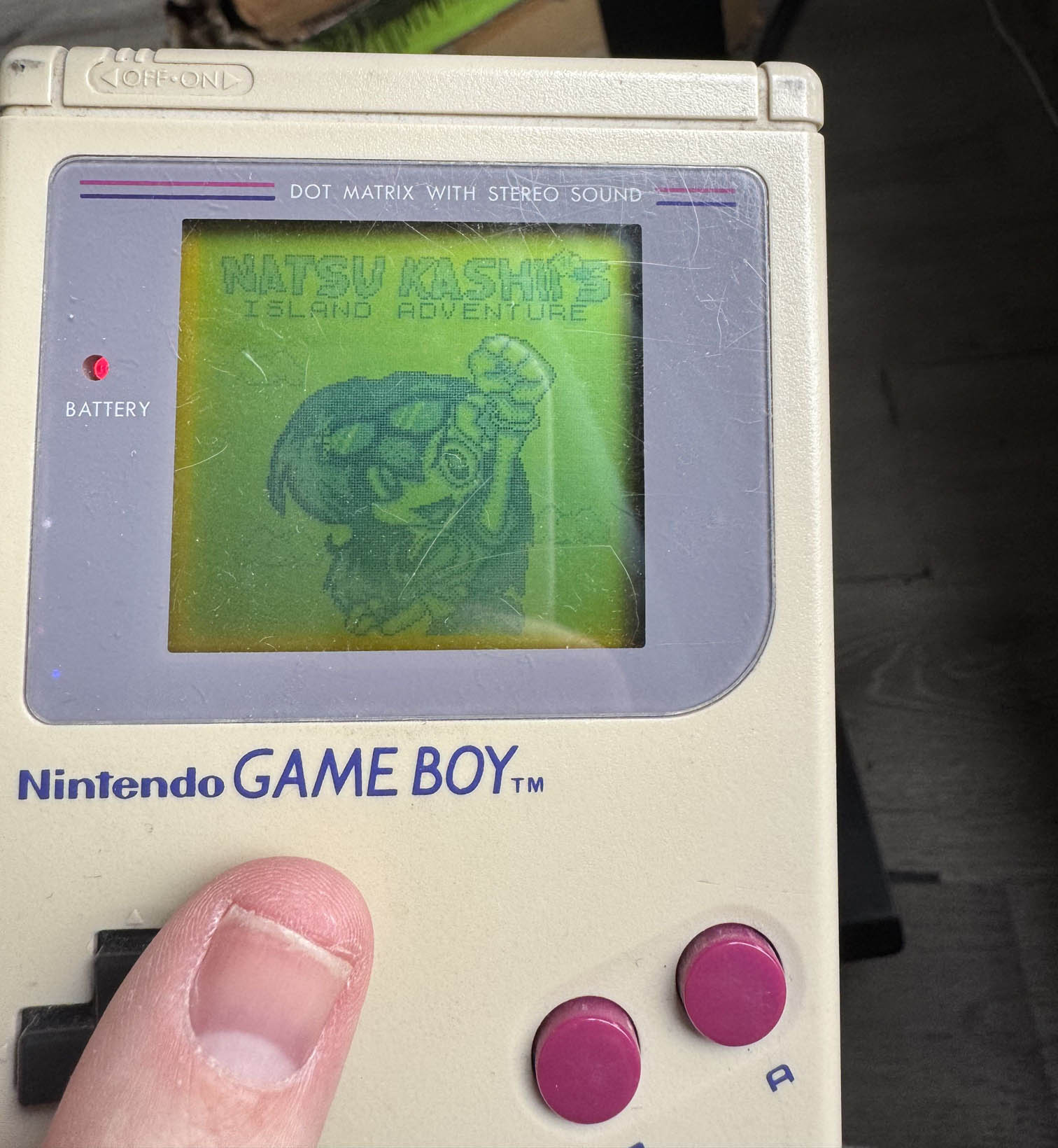
I suspect this wont be my last time using GBStudio. Here's some pictures of the title screen working on real hard ware:
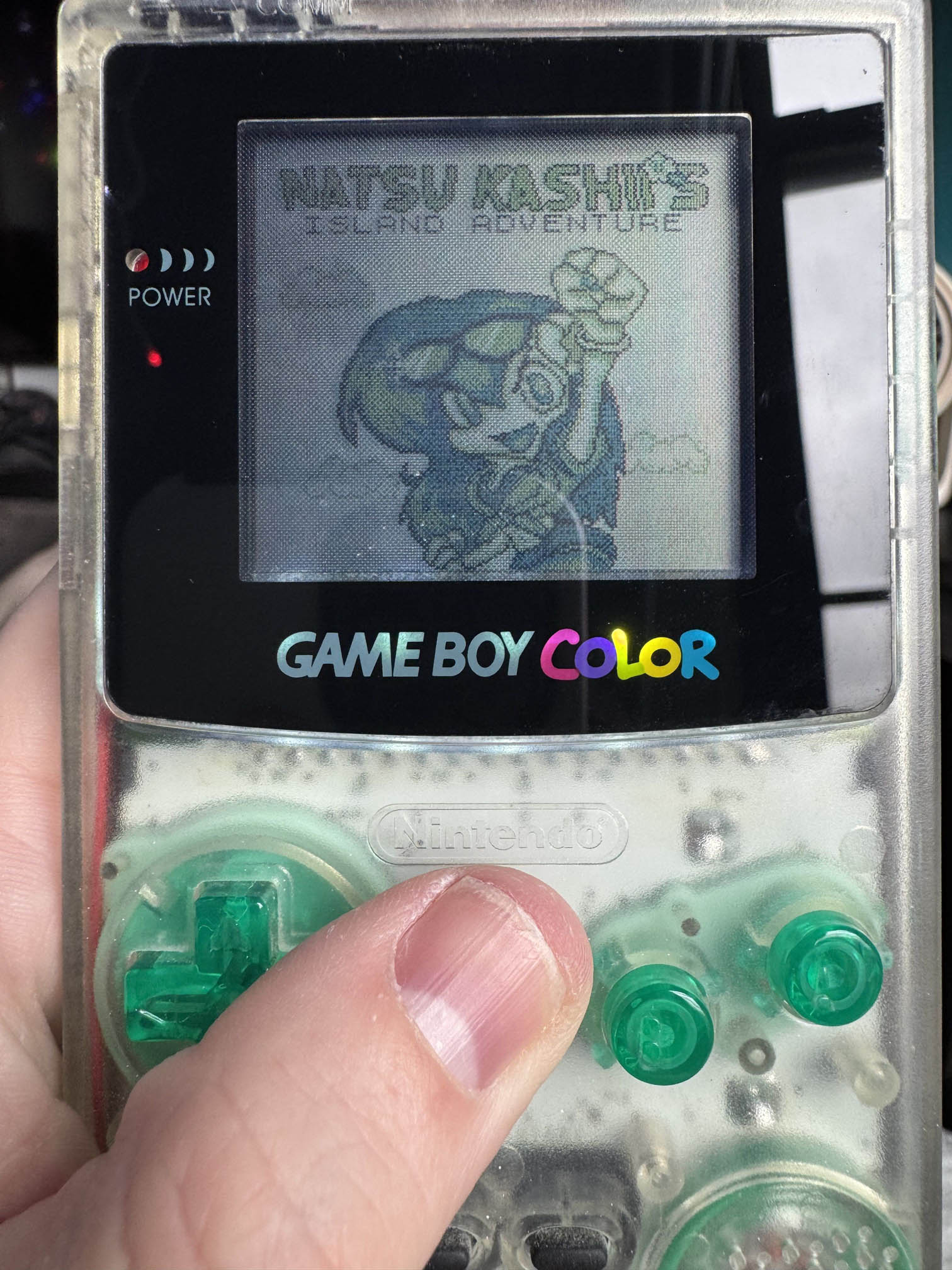
Once I had the game play all sorted out, I reached out to a musician friend and he immediately took to 8-bit music making. He made some killer BGM tracks for the game.
Next, I wanted a neat way to present it.
GBStudio allows you to export your game/rom into a web-based player. Really cool.
I decided to see if I could "hijack" the emulators canvas and show it as a texture on a Game Boy 3d model. It worked great, so I made a scene in Blender with a Funcoland bag, a 3D game box, a 3D cartridge and the Game Boy. I put together a ThreeJS based unboxing experience, that lets you actually play the ROM on a 3D gameboy.
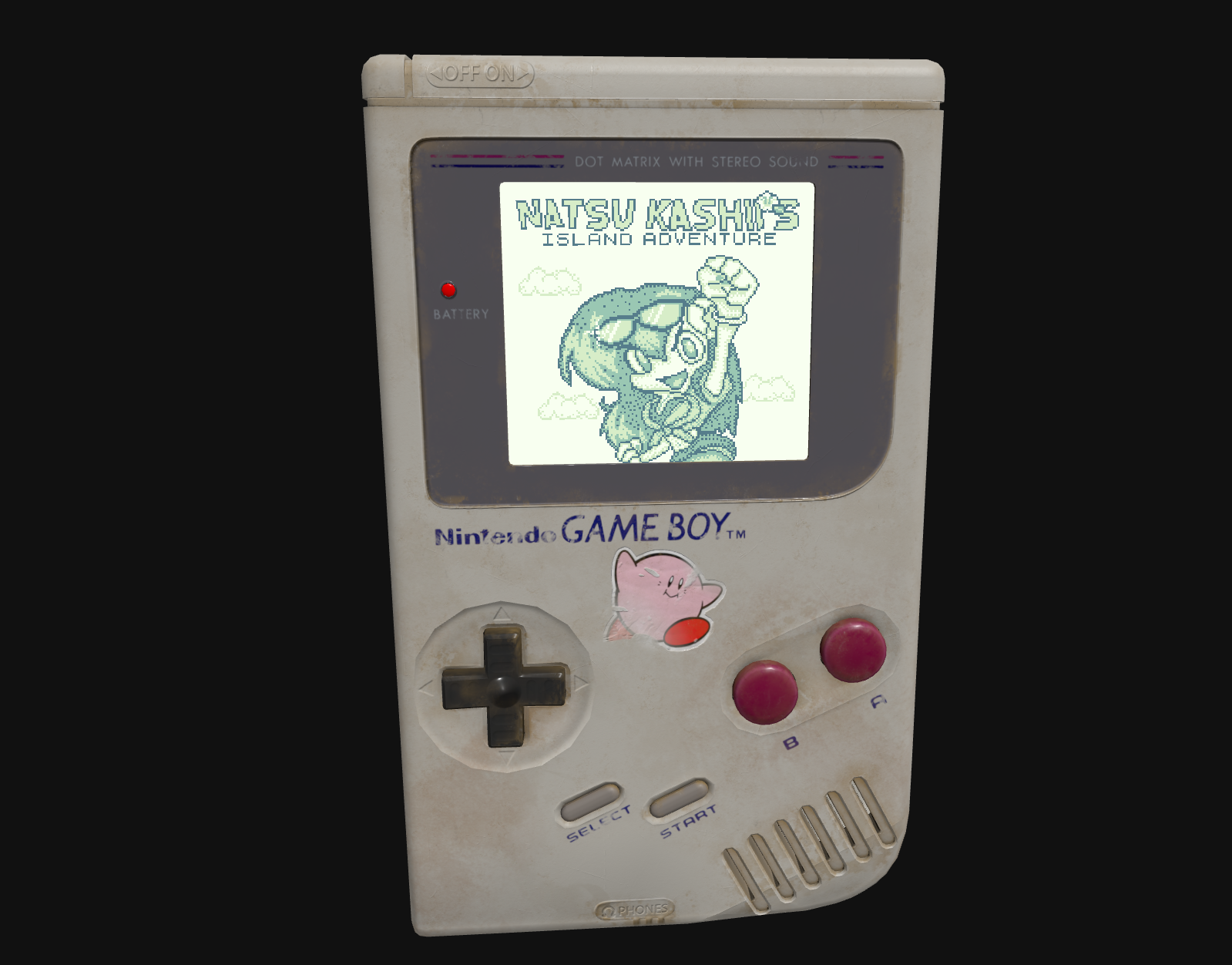
You can play it here:
https://orokro.github.io/NIA/
You can find the GBStudio ROM source here:
https://github.com/orokro/Natsu-Island-Adventure
And you can find the 3D unboxing experience source here:
The ROM is available for download in the main NIA experience link above.
Once I had that all put together, I couldn't help my self but make a trailer for it. I wanted it to look like a retro commercial, so I found some old commercial footage, and used DaVinci Resolve to cut together a trailer. I asked a community member to lend his voice for the voice over, and it came out perfect. Check it out below!